This information will be included in automatic notifications and sequence emails, and will also be reflected on the website once it is created.
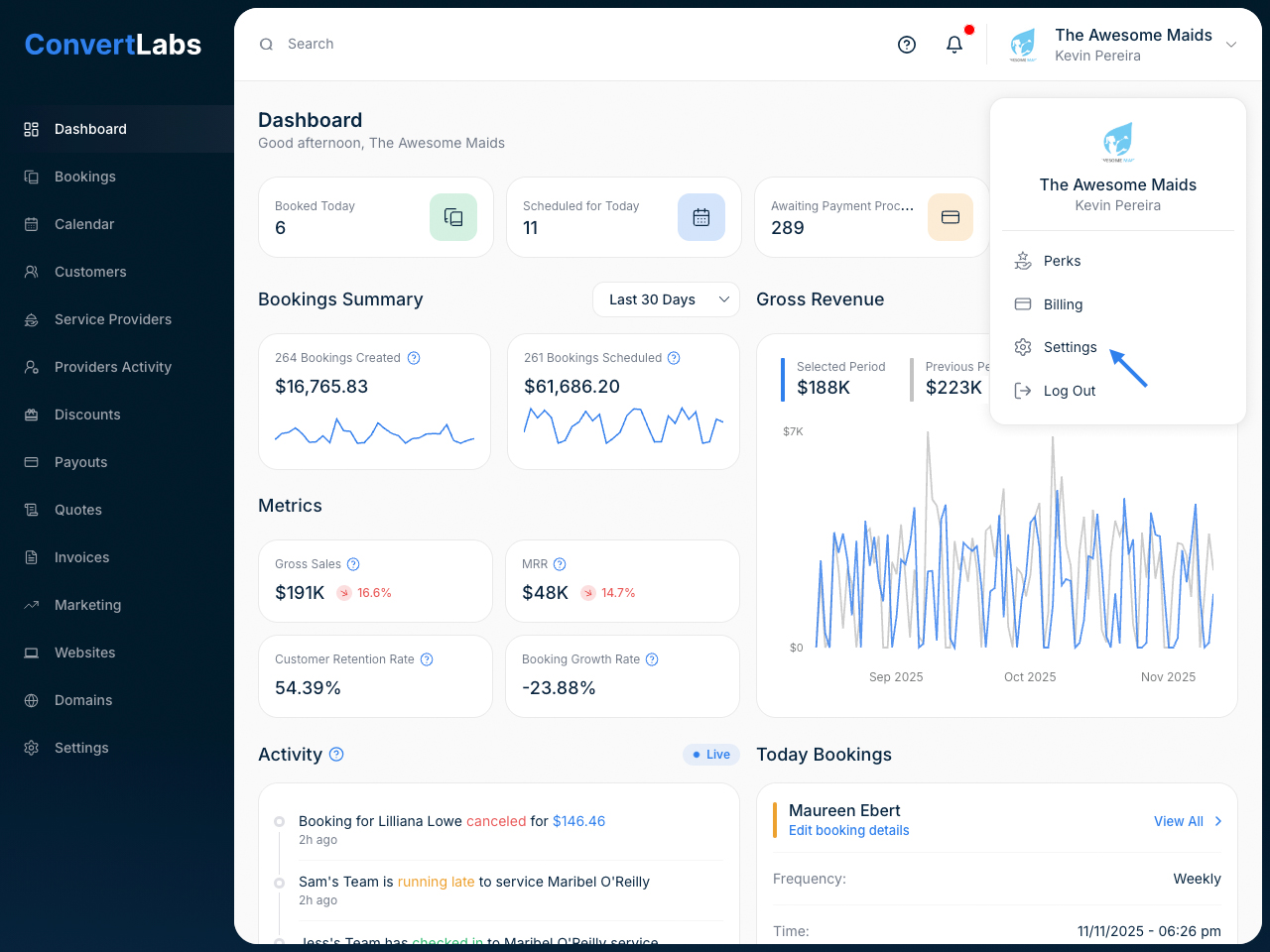
You can update your company’s contact information anytime by navigating to:
Settings → Company

In this section, you can update key details such as:
- Company Name
- Service Country
- Company Email
- Company Phone Number
- Company Logo
And you can also add your social media links to showcase your online presence.
👉 Additionally, you’ll find an option to make your company metrics public on our Leaderboard — simply toggle the visibility setting on or off as you prefer.
