Once you have created your website, you can either connect an existing external domain or buy one directly through ConvertLabs.
Option 1: Buy a Domain from ConvertLabs
-
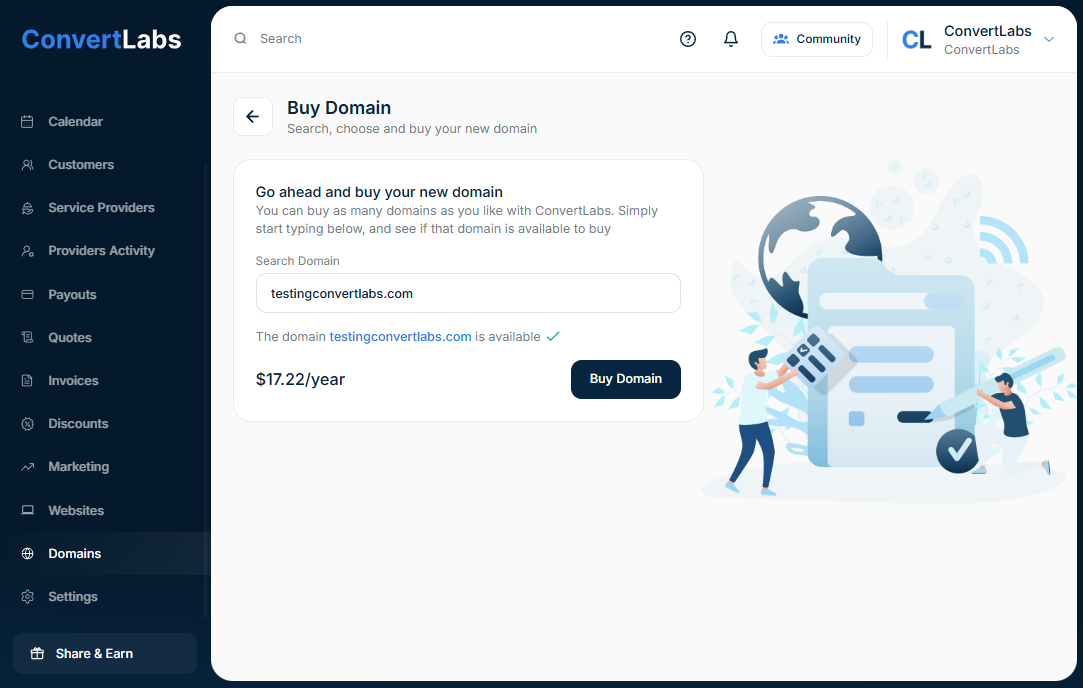
Go to the Domains menu.
-
Click "Buy Domain".
-
Search for your desired domain name to check its availability.
-
Complete your purchase.
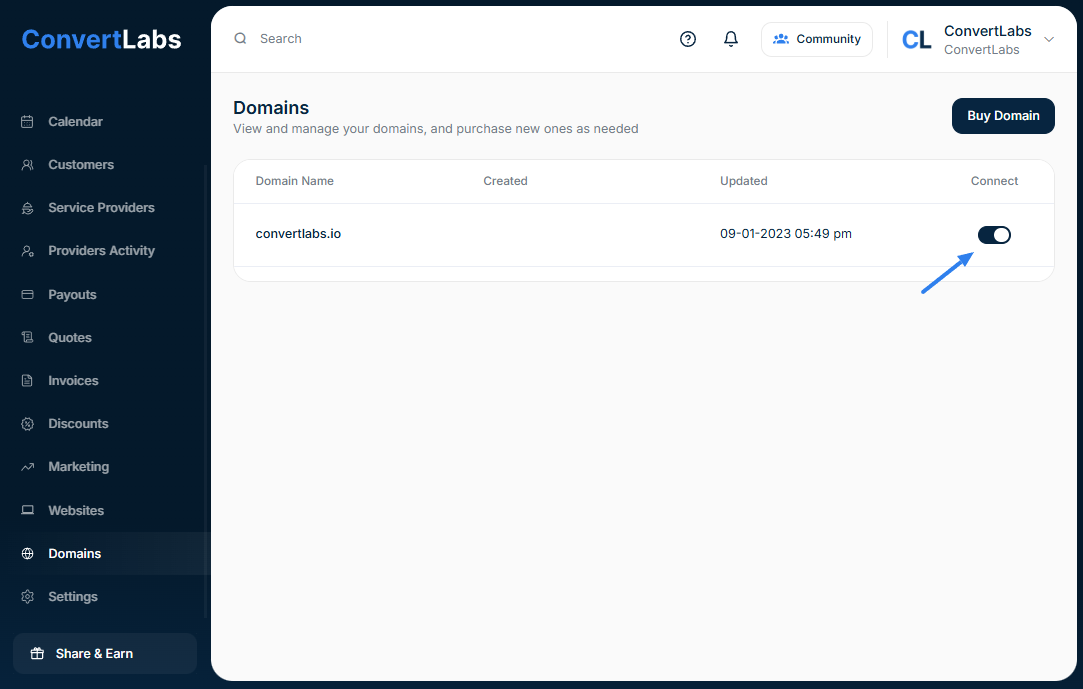
After purchasing, toggle the switch to connect your website. The connection process may take a few minutes.
Option 2: Connect an External Domain
To connect your ConvertLabs website to a domain you already own:
-
Log in to your domain registrar account (where you purchased your domain).
-
Go to your domain’s Nameservers (NS) section.
-
Replace the existing nameservers with ConvertLabs’ custom nameservers:
ns2.convertlabs.website
-
Wait up 24 to 48 hours for NS propagation to complete.
-
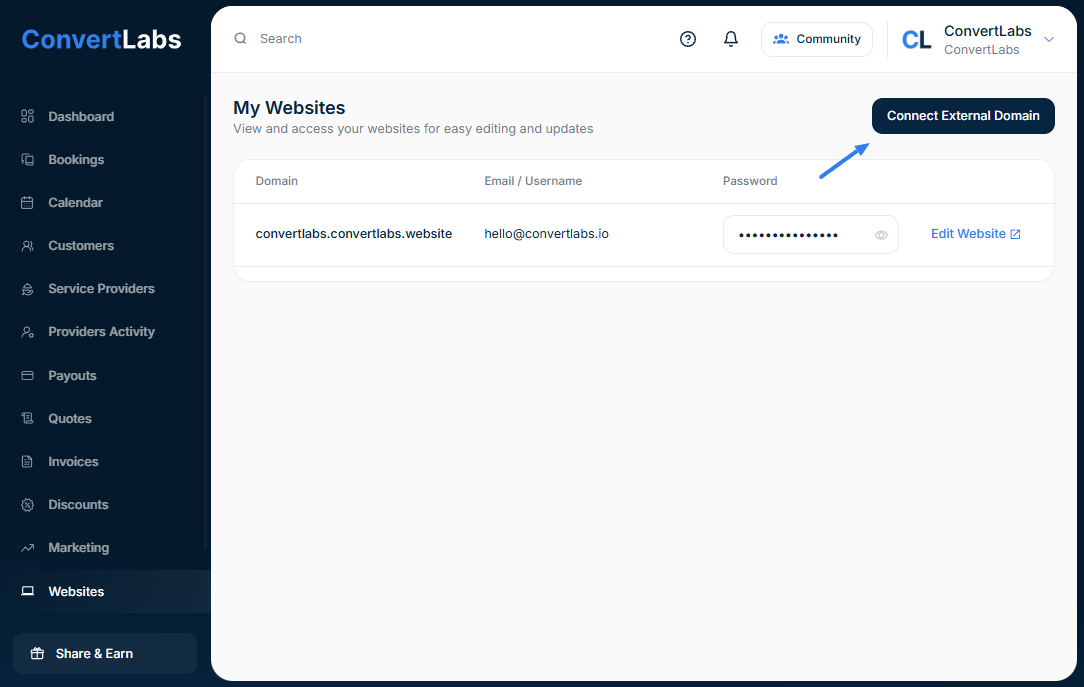
In ConvertLabs, go to Websites → Connect an external domain.
-
Enter your domain and confirm the connection.
If you run into any issues, don’t hesitate to contact our support team at hello@convertlabs.io — we’ll be happy to help!
Important Note:
If your domain already has existing configurations, please share the existing DNS records with us, so we can import them to your domain setup.
This ensures that all connected tools — such as your corporate email accounts or other integrated services — continue to function properly.
