ConvertLabs provides several ready-to-use themes that you can quickly edit to match your brand. You can have your website up and running in less than 5 minutes.
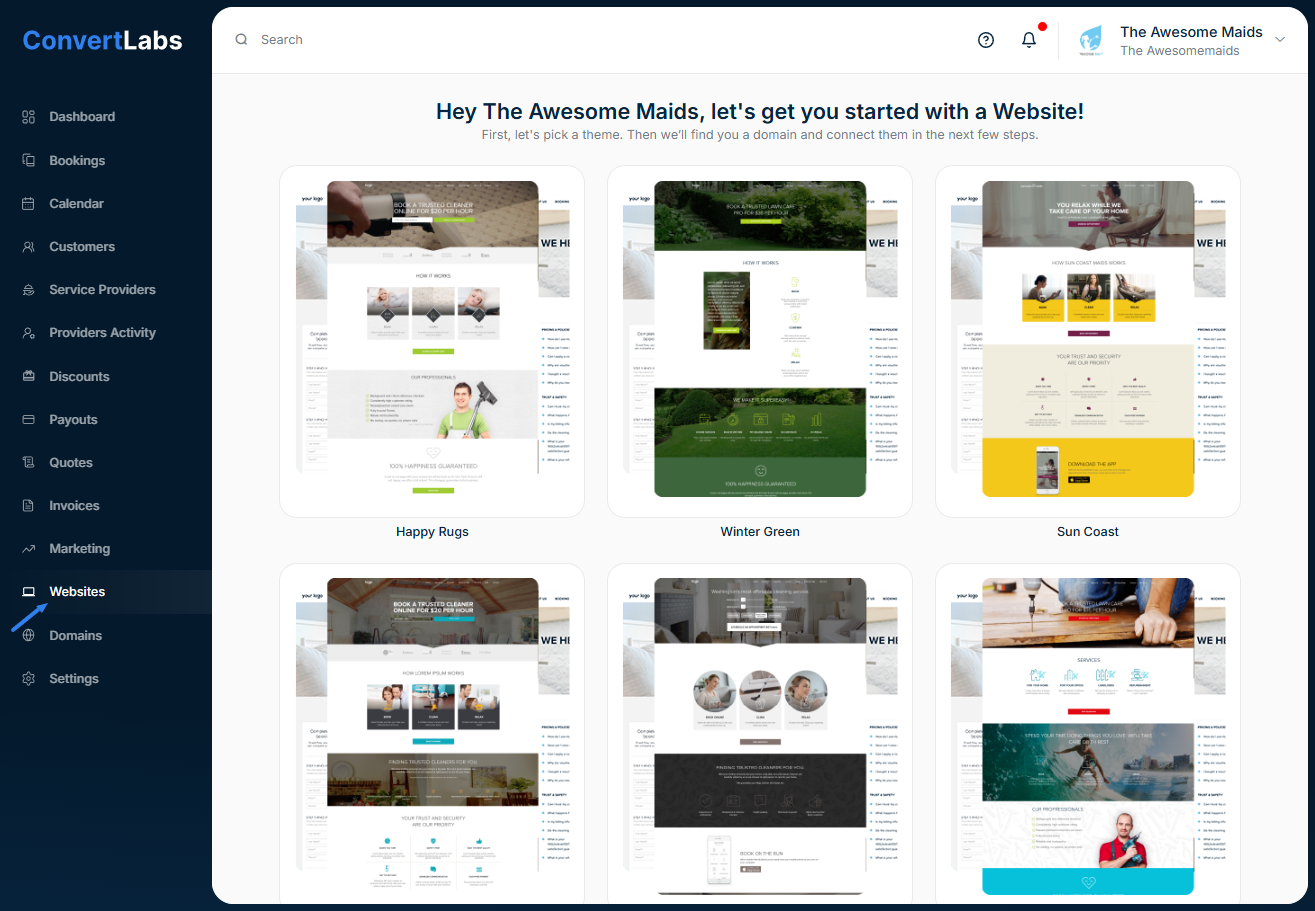
To create your website:
-
Go to the Websites menu.
-
Choose your preferred theme.
-
Enter your desired subdomain.
👉 Don’t worry — this subdomain is temporary. You can later connect your own external domain or purchase one directly from ConvertLabs via the Domains menu.
Once your website is created, you can easily customize colors, text, and images.
And you can connect a domain, refer to our Article on "Connect Domain" for step-by-step instructions.
📝 Note: If you already have an external website and only intend to embed our forms or widgets you can do it without any issues!
