To delete a Quote:
-
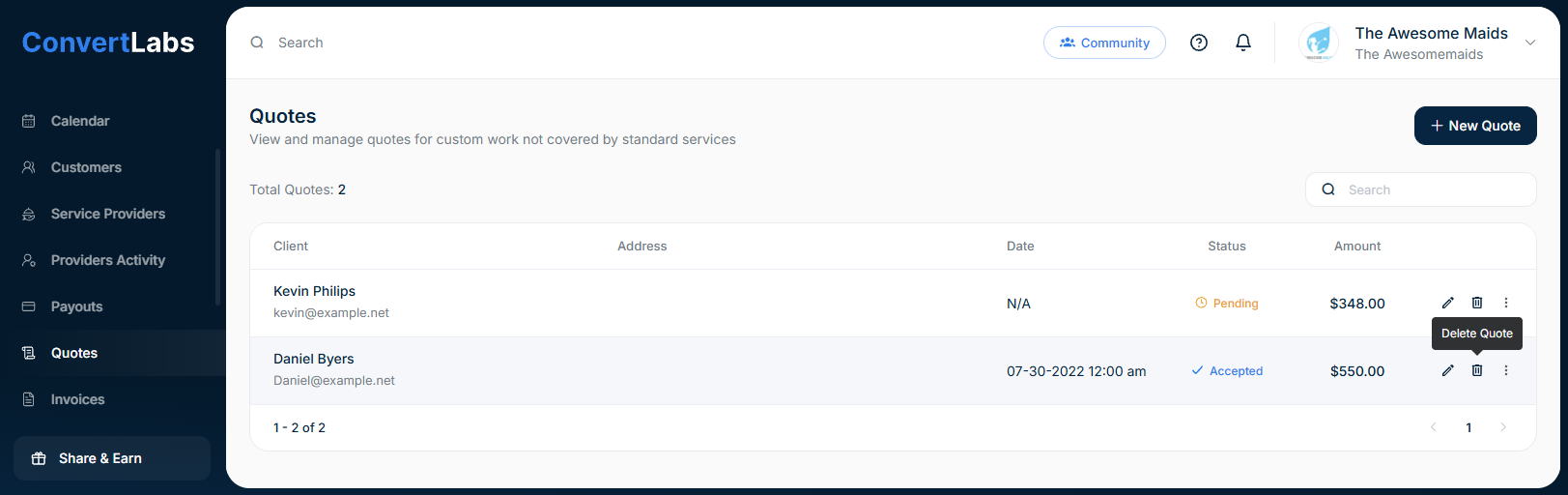
Navigate to the Quotes view.
-
Click the trash icon next to the quote.
Important: If the quote was already emailed to the client, it will remain accessible in their inbox. If the client attempts to accept a deleted quote, an error message will be displayed.
