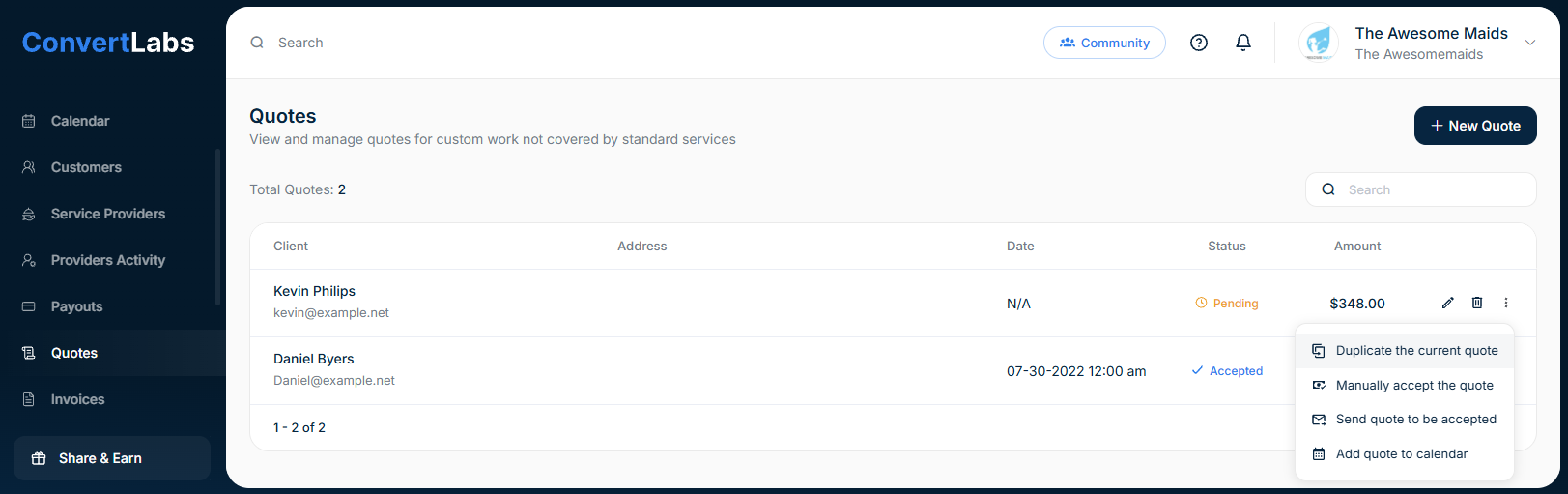
Duplicating a quote allows you to reuse client details and line items while making adjustments as needed.
-
Go to the Quotes view.
-
Click the three-dot menu next to the quote.
-
Select Duplicate the current quote.
-
Edit or add items and notes as required before sending.