After a client accepts a quote:
-
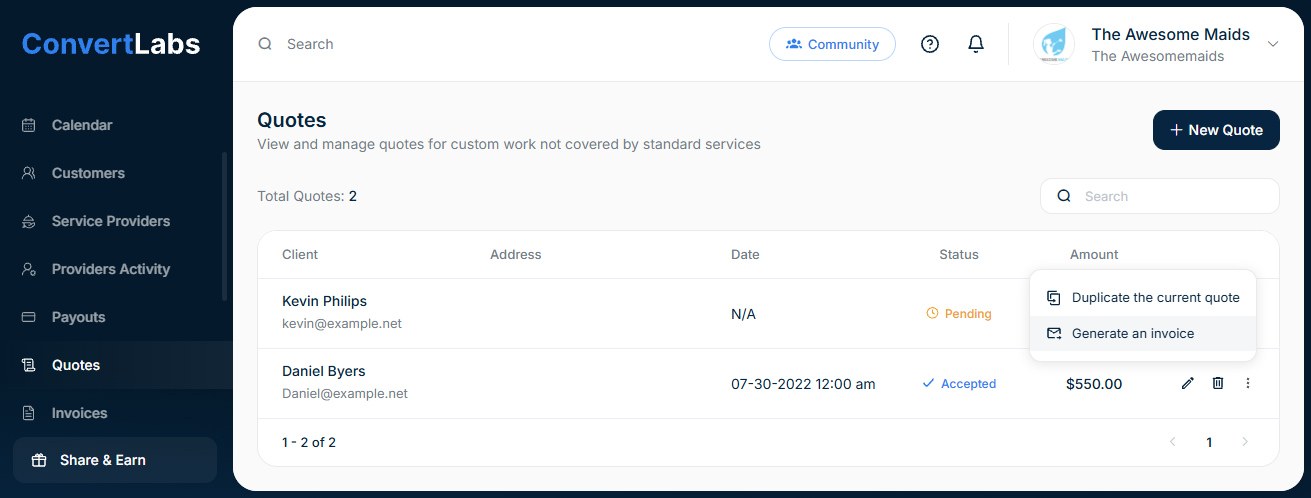
Go to the Quotes view.
-
Click the three-dot menu next to the accepted quote.
-
Select Generate an invoice.
-
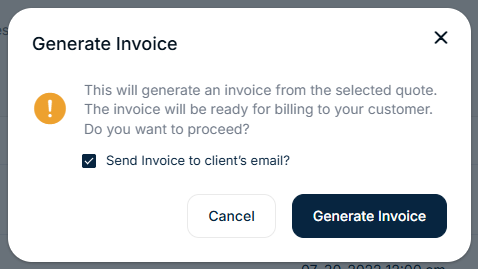
Confirm the action and choose whether to email the invoice to the client.
If emailed, the invoice is immediately payable. The client can enter their payment method and complete payment without additional steps.
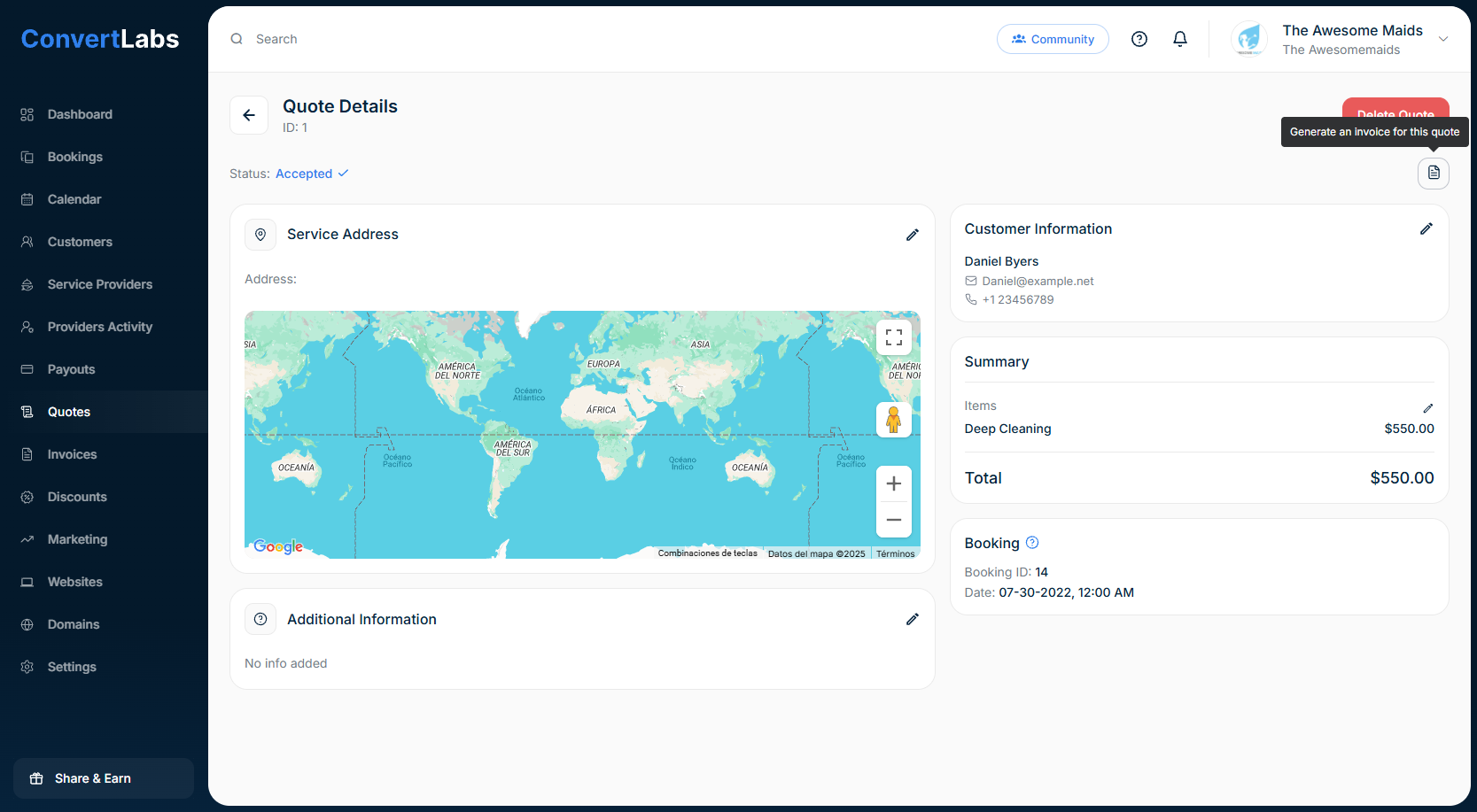
You can also generate the invoice from the quote view; to do this, simply click on the pencil icon to view or edit, and then click on "generate an invoice for this quote" at the top right.