Service Providers record their work time by checking in and out through their portal for each booking.
If they’ve had trouble tracking time or need to make corrections, you can edit their work hours directly from the Booking Details view. Here’s how:
- Go to Bookings.
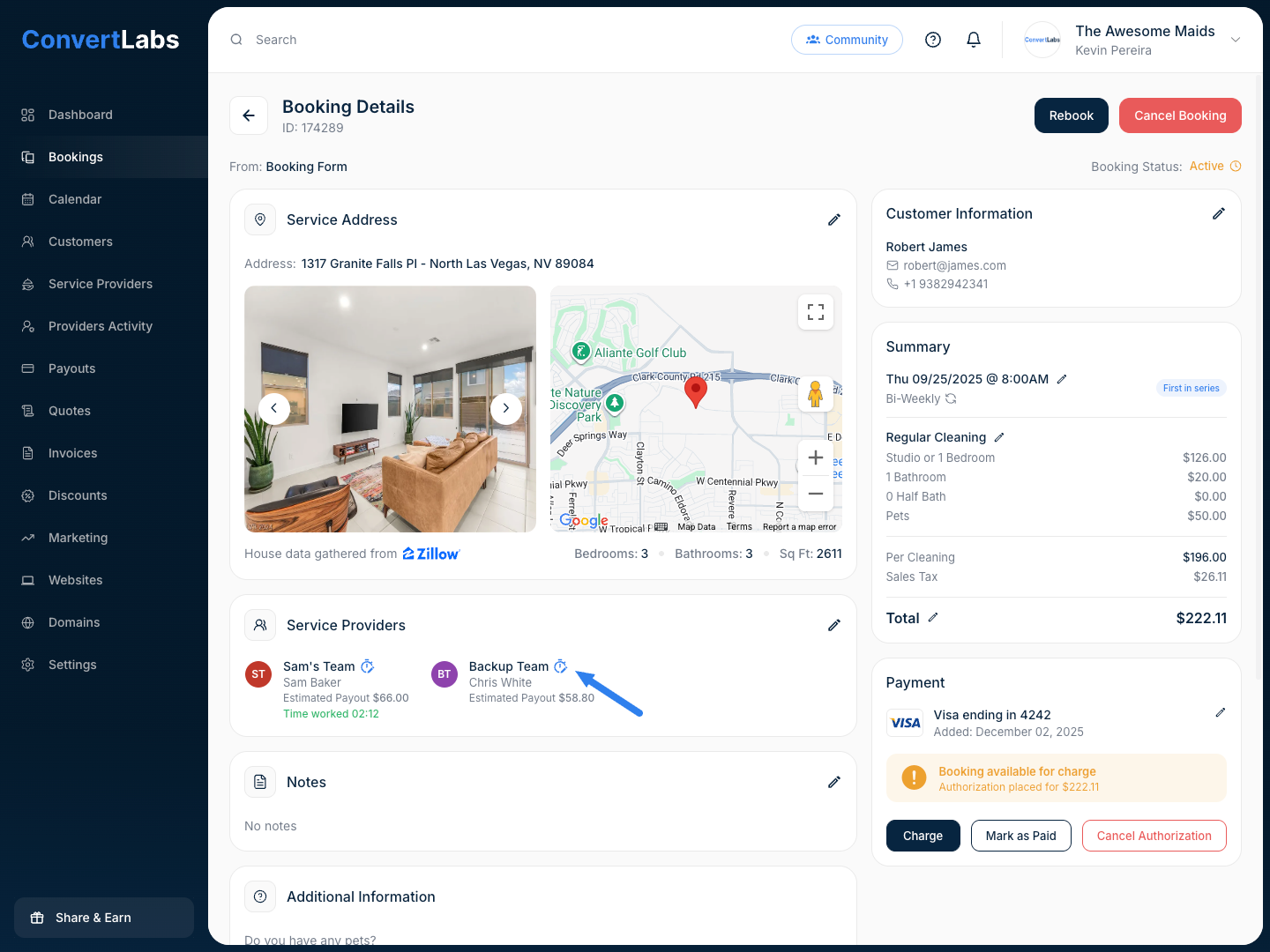
- Click the pencil icon (✏️) to open the editable booking view.
- In the Service Providers section, click the clock icon.
- Enter the check-in and check-out times. The system will automatically calculate the total work time.
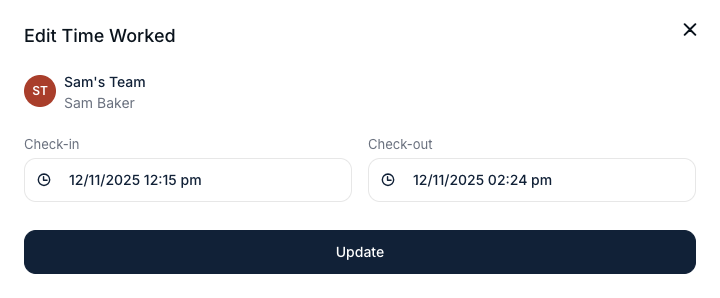
Note: Updating work time will affect payout for Service Providers with hourly wages.
