Service providers can access the portal through the ConvertLabs Service Providers mobile app or directly in their browser.
What service providers can do in the portal
My Jobs tab
From here, your service providers will find all the assigned or accepted jobs.
Tapping on any job shows a detail view with:
- Date and time.
- Estimated payout.
- Services, pricing parameters, extras, and notes.
- Client address (which can be opened in Google Maps).
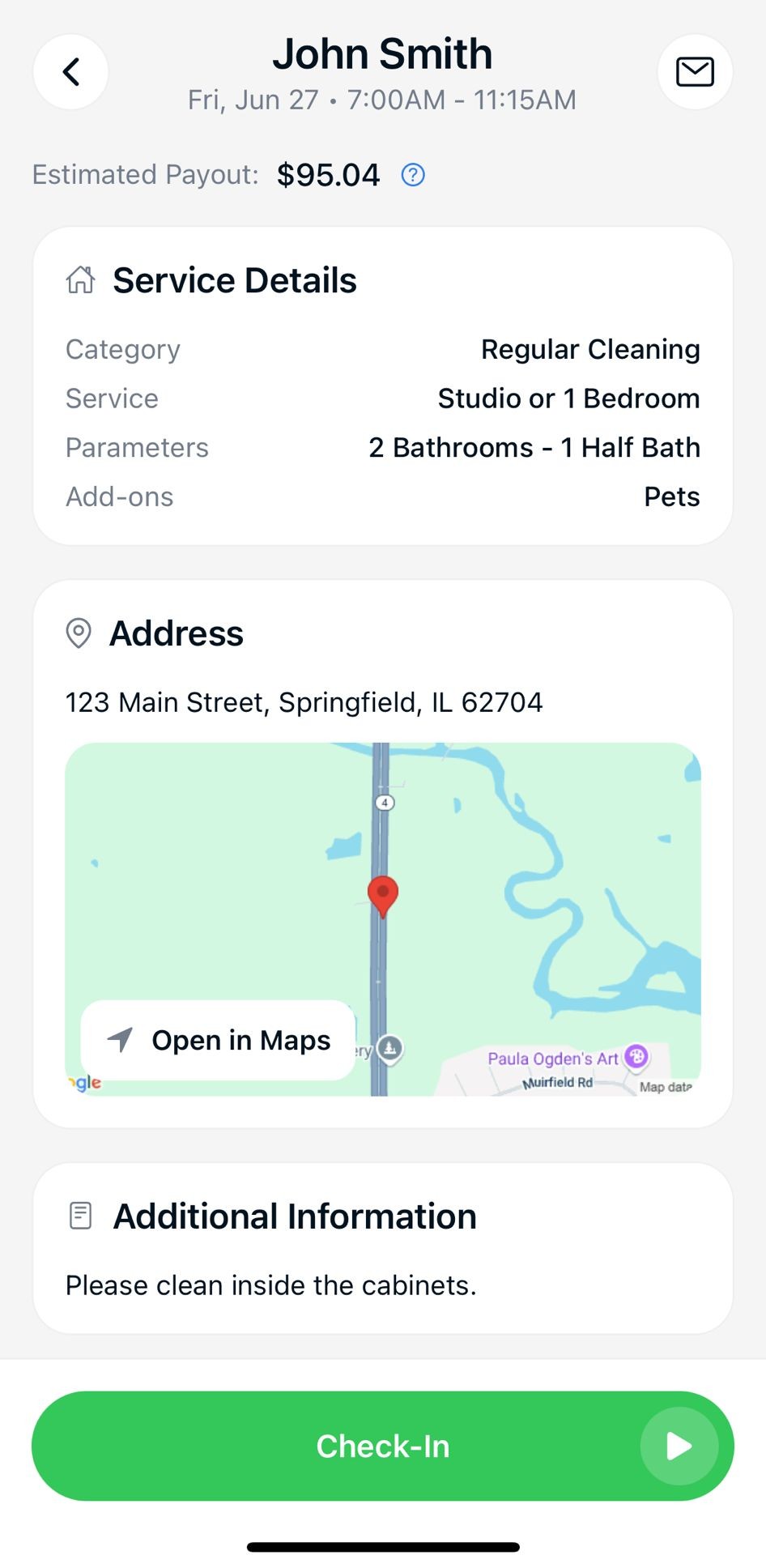
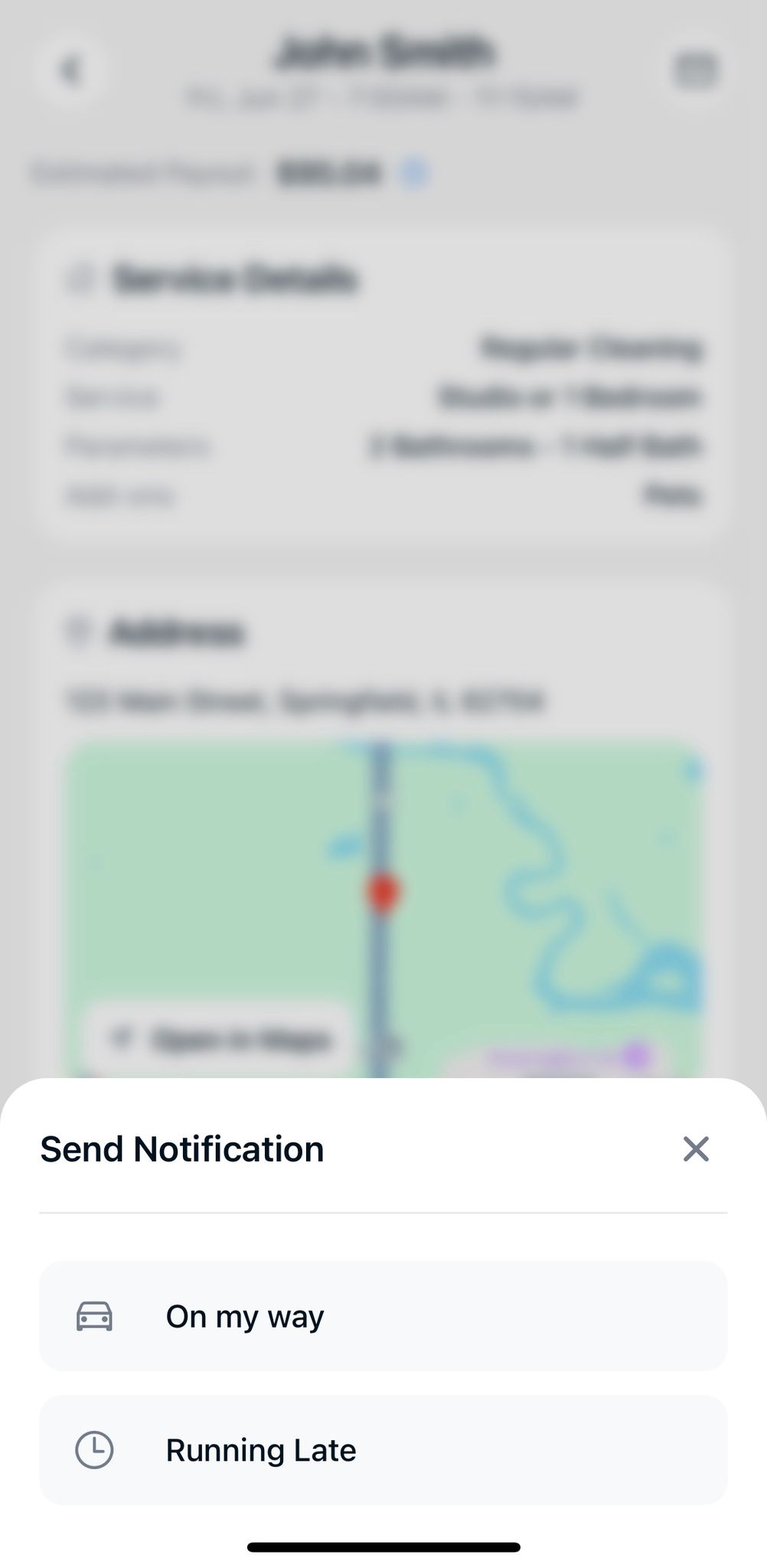
They can also send quick notifications using the envelope icon:
- “On My Way”.
- “Running Late”.
To track time, they simply:
- Check in when starting the job.
- Check out once the job is completed.
Open Jobs tab
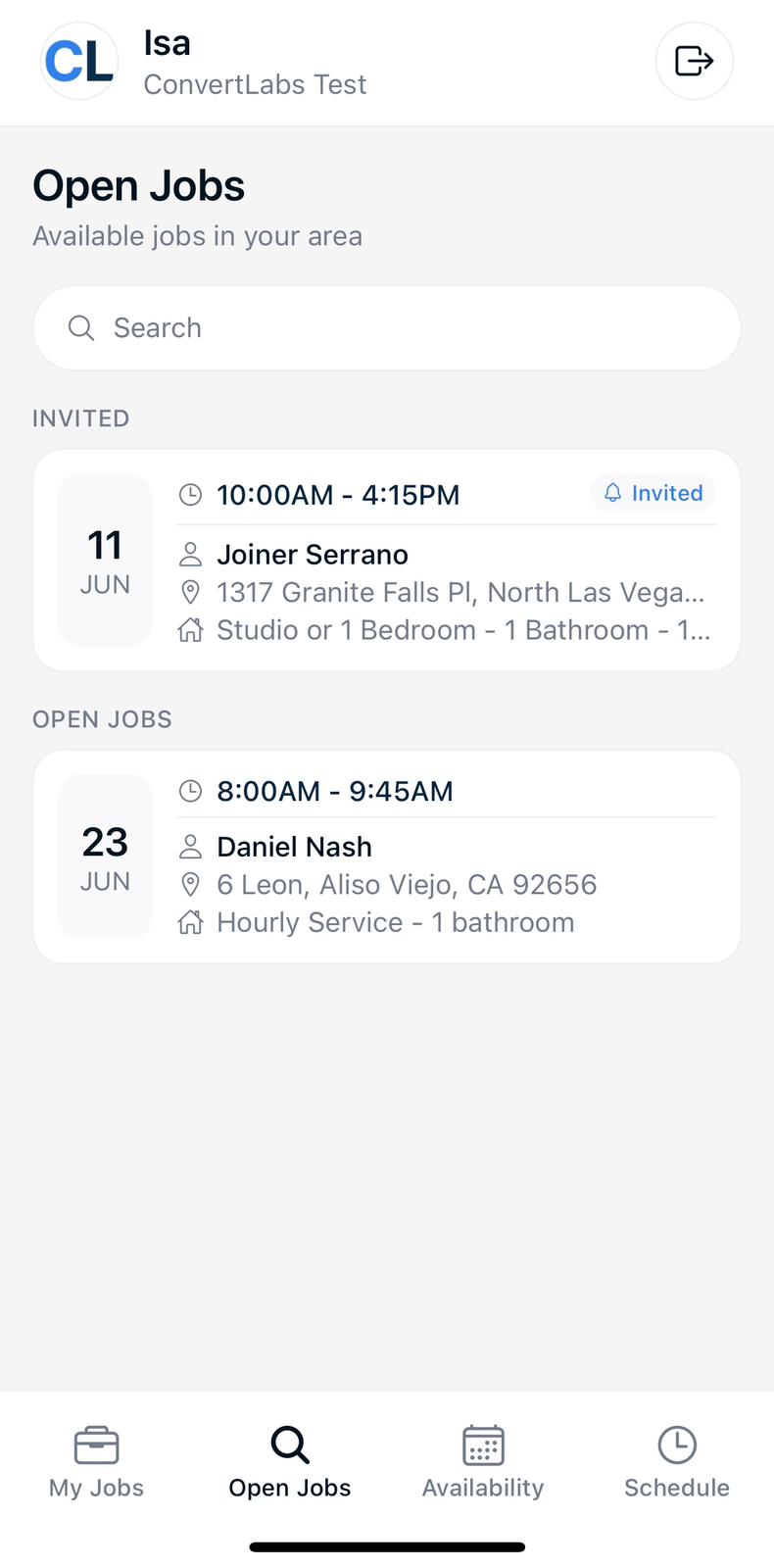
From here your service providers will find:
- Invited Jobs waiting for their response.
- Available Jobs they can claim (if this feature is enabled).
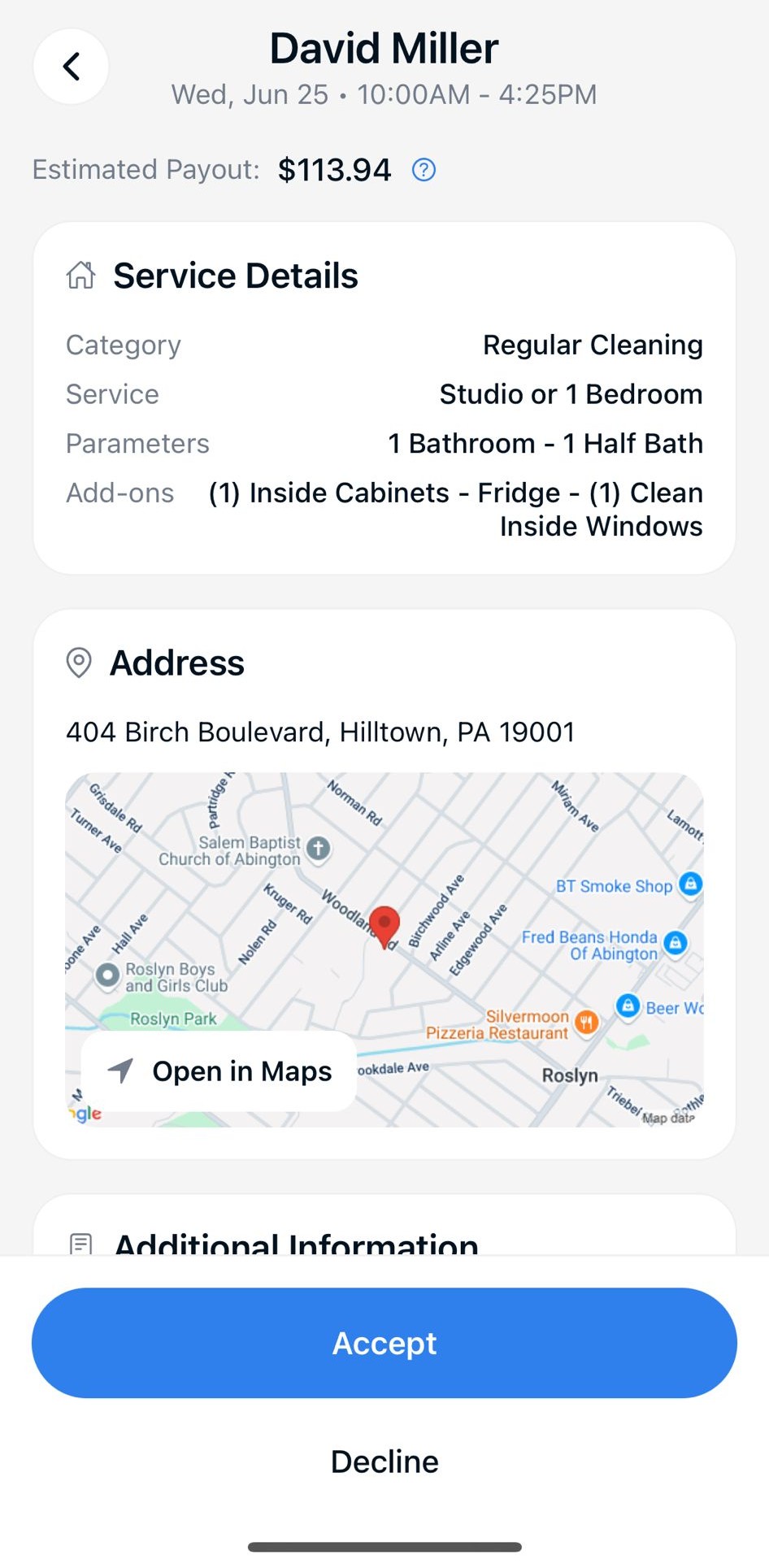
Tapping an invited job also shows a detailed view with all the important details:
- Client address.
- Services, extras, and notes.
- Estimated payout and other service providers already assigned (if the setting is enabled). This helps them decide whether to accept or reject the job with confidence.
Schedule & Availability tabs
In the Schedule tab, the service providers can set or update their regular working hours. For example: 9 AM to 5 PM, Monday through Saturday.
Need to block off certain times? In the Availability tab, they can easily mark time slots as unavailable—for the current week or the next.
This app lets your service providers manage their assigned jobs, view open and invited jobs, update their schedule, set availability, and more—all from one place.
