Once a provider is created, you can define their pay rate.
-
Go to the Service Providers list.
-
Click the three dots (⋮) next to the Service Provider name.

-
Select Edit Wage.
-
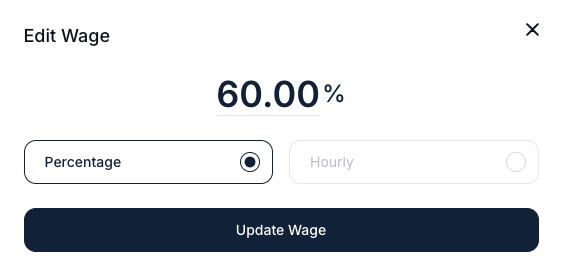
Choose between hourly wage, or percentage-based wage
- Enter the appropiate value and save
If you haven't created your Service Providers yet, you can check our article about how to create new Service Providers here.
