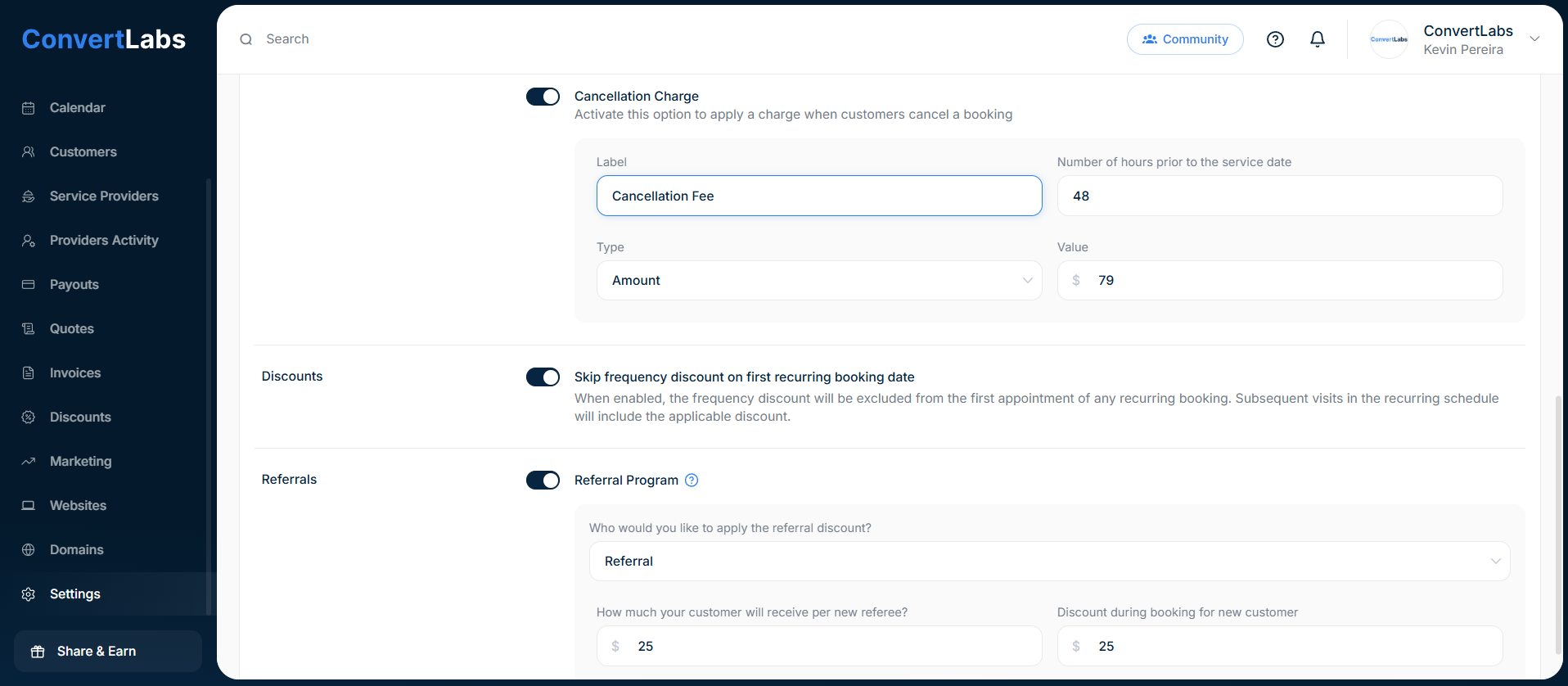
To enable the Cancellation fee:
- Go to Settings.
- Go to the Payment tab.
- And in the Fee & Taxes, toggle the switch of the Cancellation Charge setting.
- Enter the label and the number of hours prior to the service date. For example, enter 48 to indicate that if the customer cancels within 48 hours of the booking, the cancellation fee will be charged automatically.
- Choose the type, percentage or amount and enter the value.