- From the Website Dashboard, navigate to Posts.
- Click Add New Post.
The post editor will open. Unlike the page editor, the post editor uses a block-based layout, allowing flexible content creation.
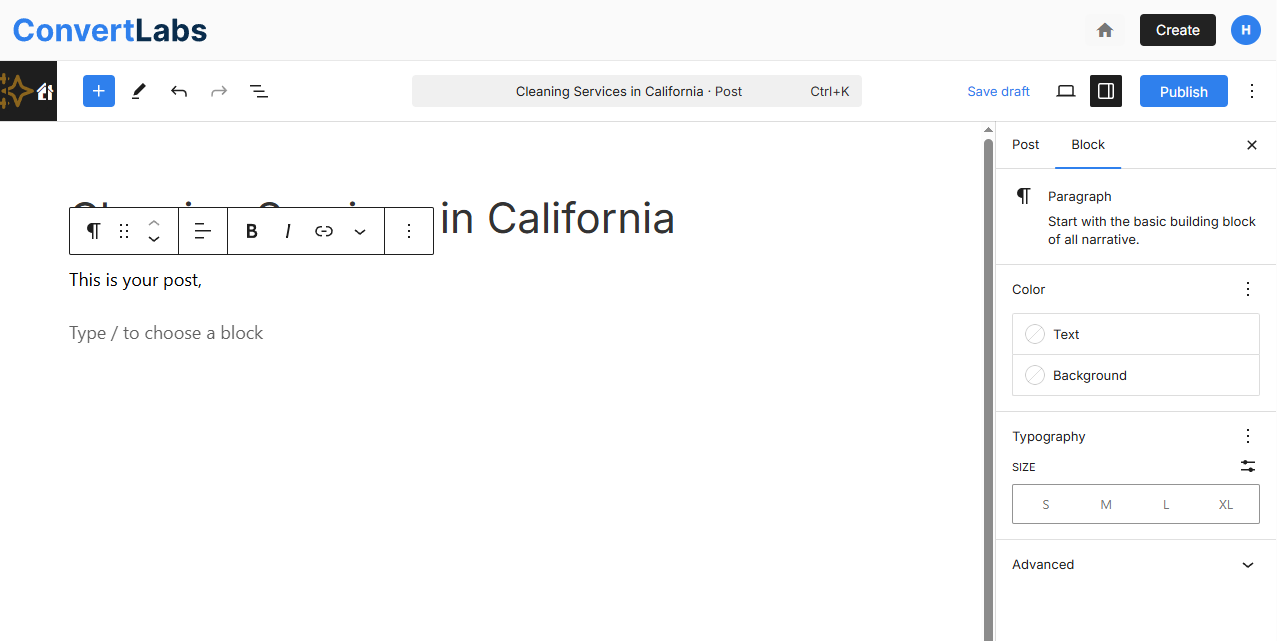
Add and Edit Post Content
- Enter a post title and press Enter.
- Add content blocks such as text, images, or other media elements.
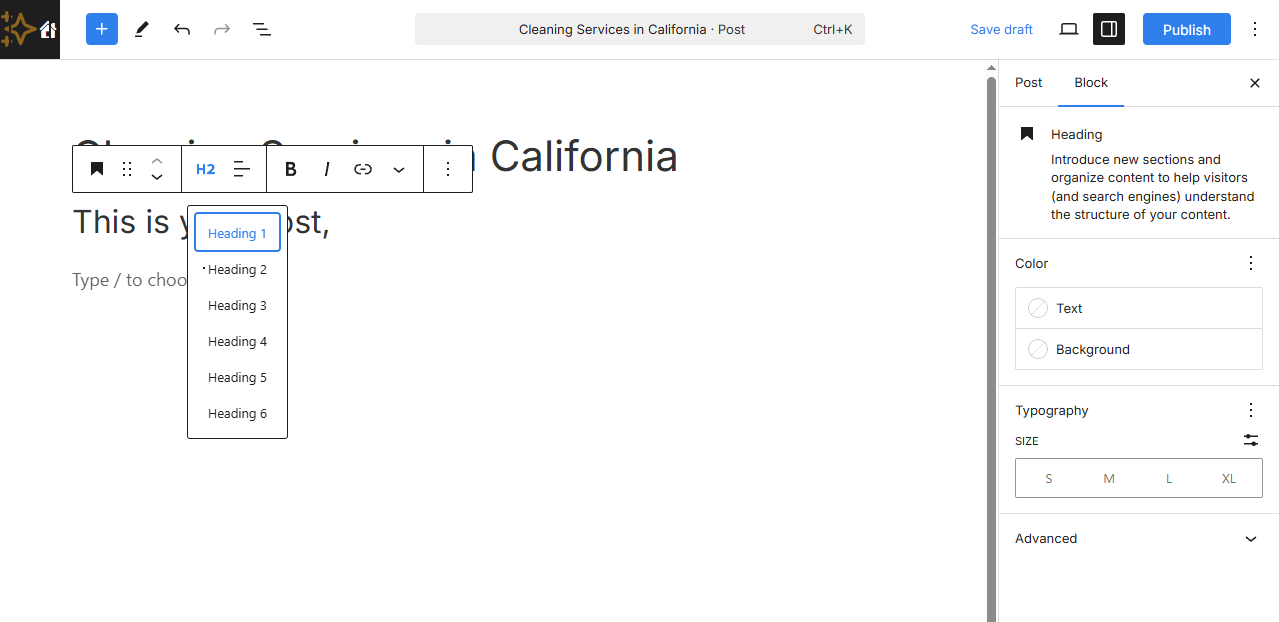
- Select any block to access formatting options, including:
- Headings
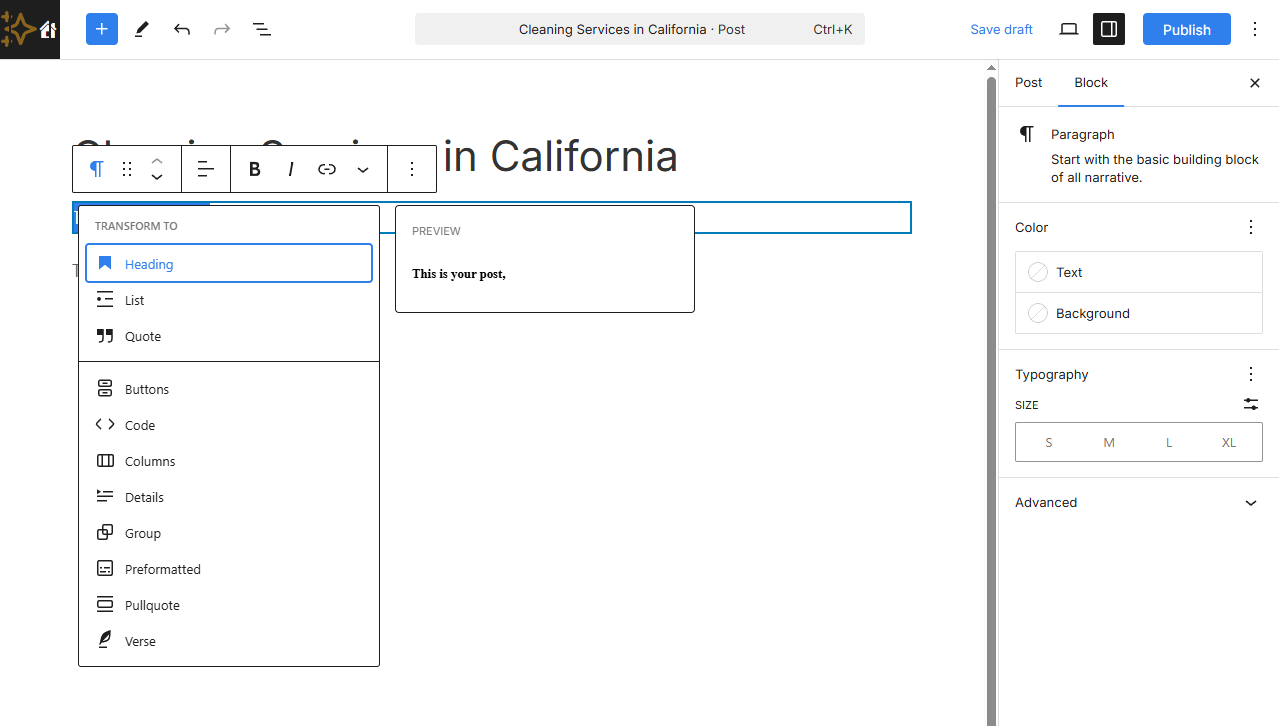
- Bold or italic text
- Hyperlinks
Configure Post Settings
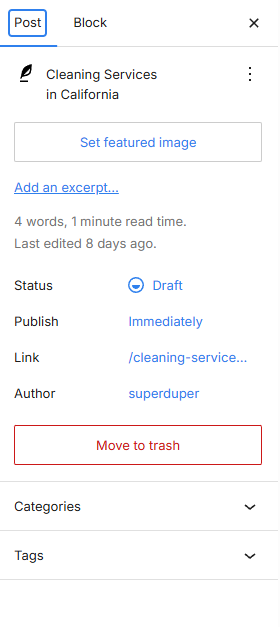
In the right-hand settings panel, you can:
- Adjust block-level options such as font size and layout
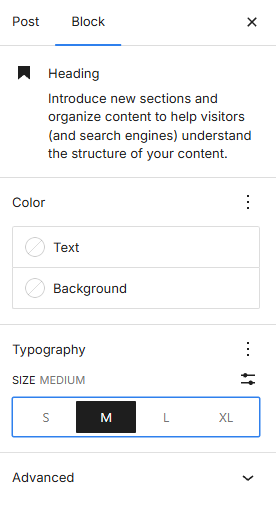
- Switch to the Post tab to configure post-level settings, including:
- Featured image
- Post URL (slug)
- Author assignment
- Additional post metadata
Publishing and Visibility
All posts created in the Posts section are automatically published and displayed on the Blog page.
