These elements appear in browser tabs, bookmarks, and across various platforms, helping ensure consistent brand recognition.
How to Edit the Site Identity
- Log in to your Website as an administrator.
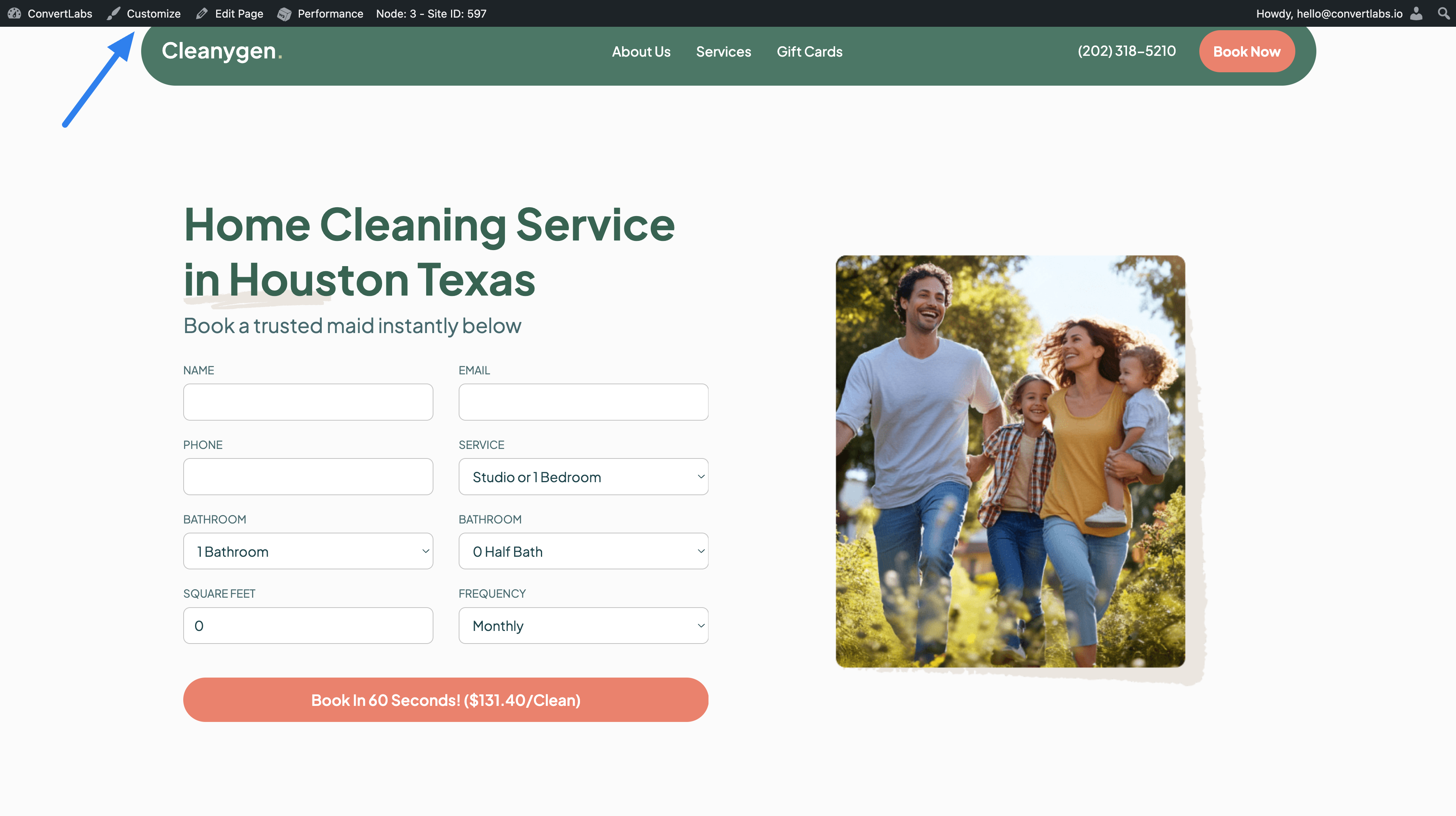
- From the top editor bar, click Customize.
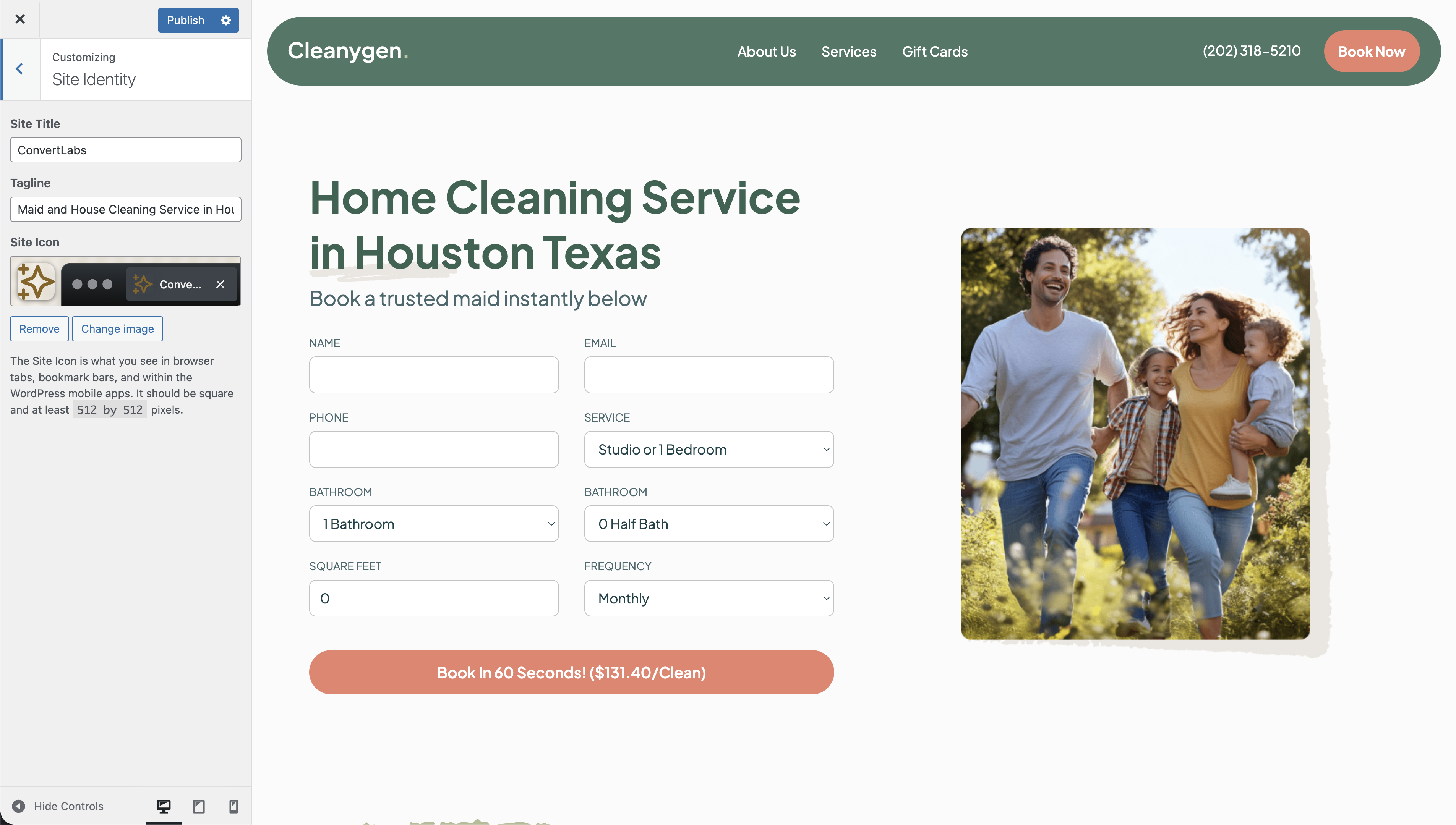
- Select Site Identity from the customization menu.
- Update the following fields as needed:
- Site Title: The main name of your website.
- Tagline: A short descriptive phrase that complements the site title.
- Site Icon: The icon displayed in browser tabs, bookmark bars, and other apps. - Upload a site icon that meets the recommended specifications:
- Square format
- Recommended size of 50 × 50 pixels - Once finished, Publish or Save your changes to apply them across the site.
Note: Internet search engines update their results periodically. Therefore, this changes will not be reflected immediately and may take some time to appear.
